
Duplicating a job
Need to run a similar job again? Trukton makes it easy to duplicate a past job so you can skip the re-entry and get hauling faster.
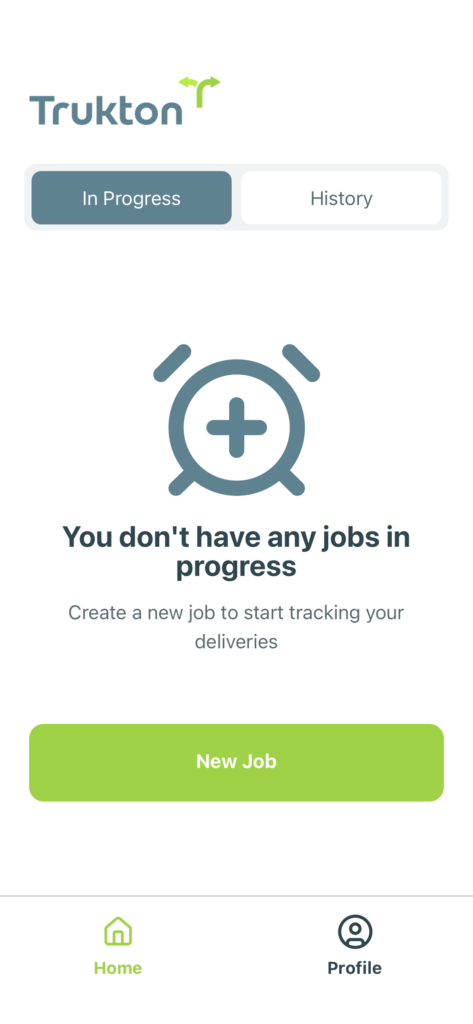
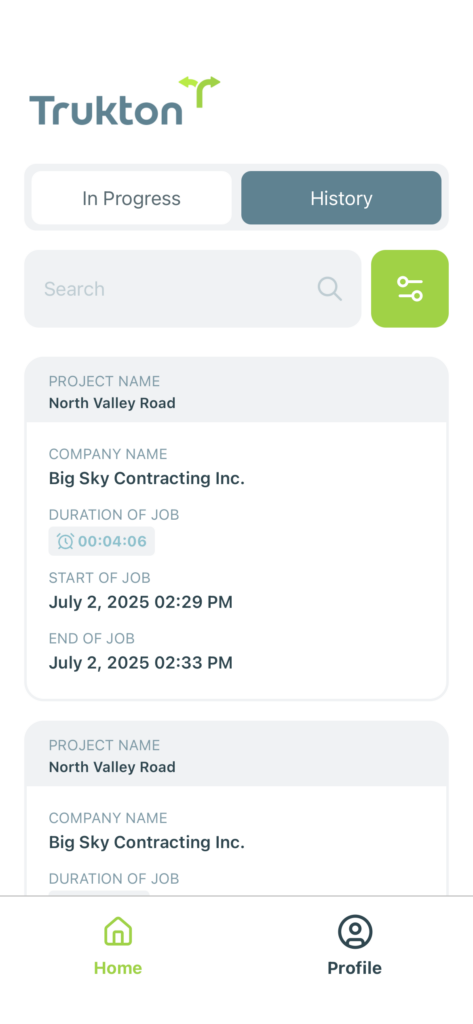
You can duplicate any job from your history. From the home screen, tap the History tab to view your completed jobs.
Past jobs are listed with key details like project name, company, and start and end times.
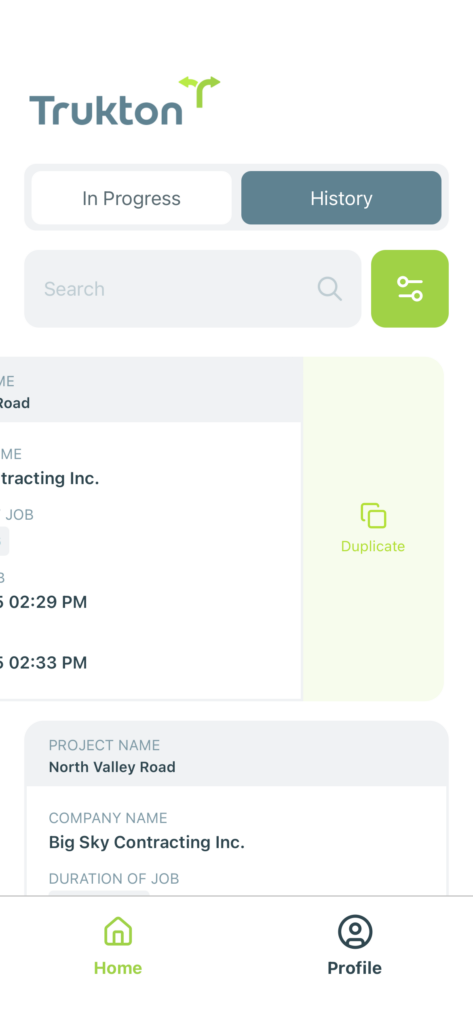
Swipe left on any job card to reveal the Duplicate option. Tap Duplicate to begin the process.
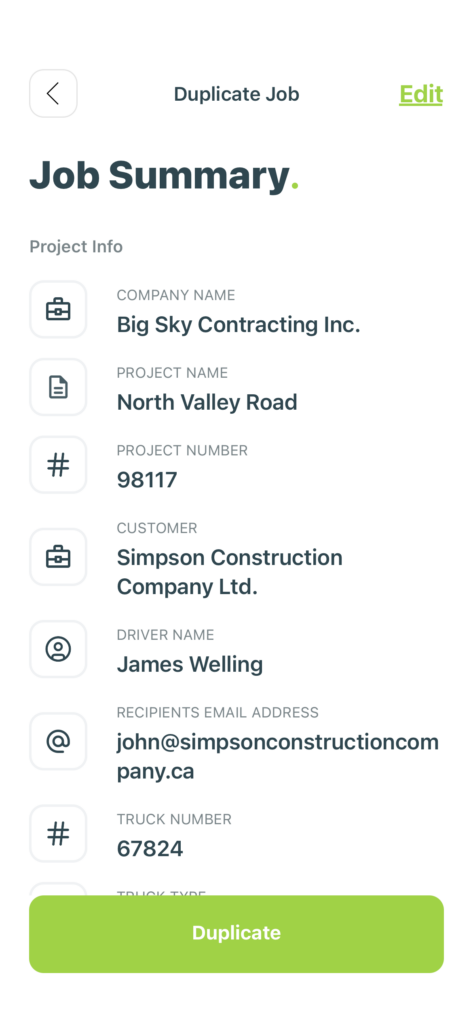
Before confirming, take a moment to review the job details, including project number, company, driver, and recipient email.
Once everything looks right, tap the Duplicate button to create the new job.
Need to update something? Tap Edit to modify any field directly.
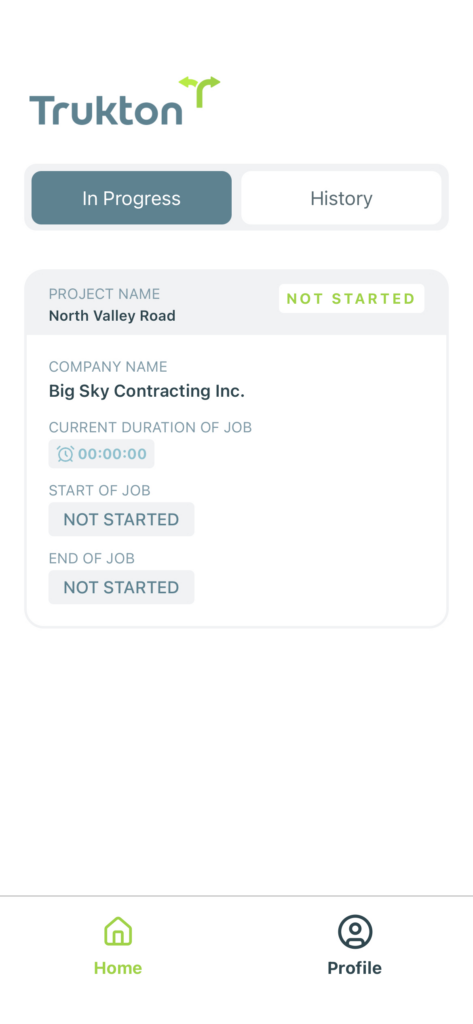
Your duplicated job will now appear under the In Progress tab with the new status shown as Not Started.
When you’re ready to begin, you can select the job and hit Start Job to begin tracking your hours and hauls.
Was this helpful?